 Play video: How to add multiple OneDrive accounts to a Mac
As part of our business coaching programmes, we are continually looking at ways our clients can be more efficient. It's still quite surprising how many clients don't use cloud document back-up services for their businesses. If you don't already do so, I suggest you look at the various cloud solutions available so that you can access your files on any device.
The most well-known are Google, Microsoft Office and Dropbox. There are many other solutions available, and this blog is not intended to review these. We use Office 365.
I know some businesses are worried about putting their data in the cloud. However, in the main, most of the services are far safer than anything we can do ourselves, unless you are an IT expert.
In the video above, I show you how to add multiple OneDrive accounts to an Apple Mac.
Why I made this video
I did this video because, at the time of recording, I actually couldn't find anything on YouTube to show me how to do it. After quite a bit of trial and error, I eventually found the solution, so I can now access all of my files on my local hard drive on my Mac. This is particularly useful if you want to do off-line backups to a separate hard drive.
Why we favour OneDrive
Incidentally, this is one of the reasons we favour Microsoft OneDrive over, say, Google. You can't do full backups from Google, because all the documents are references to files within the Google cloud infrastructure.
For most people this is probably okay. I, however, like to make sure that I've got my own back-up completely off-line that I can take to any computer anywhere in the world.
For the purpose of the video, I'm assuming that you know how to install Microsoft OneDrive onto your computer. If not, there are loads of YouTube videos that show you how.
If you're interested in growing your business and becoming more efficient, book a discovery call and find out how our business programmes, such as iCan Grow, can help.
I hope you found this useful. Have a great day.
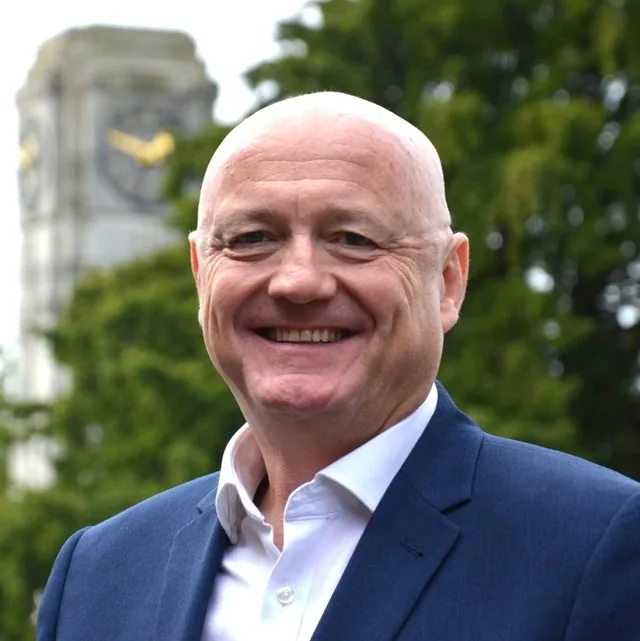
Marcus Thomlinson is a coach, speaker and the founder of iCan Thinking. He helps people beat stress, think clearly and build a calmer, more successful life through mindset.